Move Chrome Cache Location in Linux
Often times users may want to move the chrome cache location for whatever reason. If you’re like me and have a primary SSD for your operating system and a secondary HDD for storage, then you may want to move the chrome cache location to another drive to reduce writes to your SSD. Reducing heavy caching to your SSD can prolong its lifespan.
Tags: linux, tutorials, browserMake Xfce Look Modern
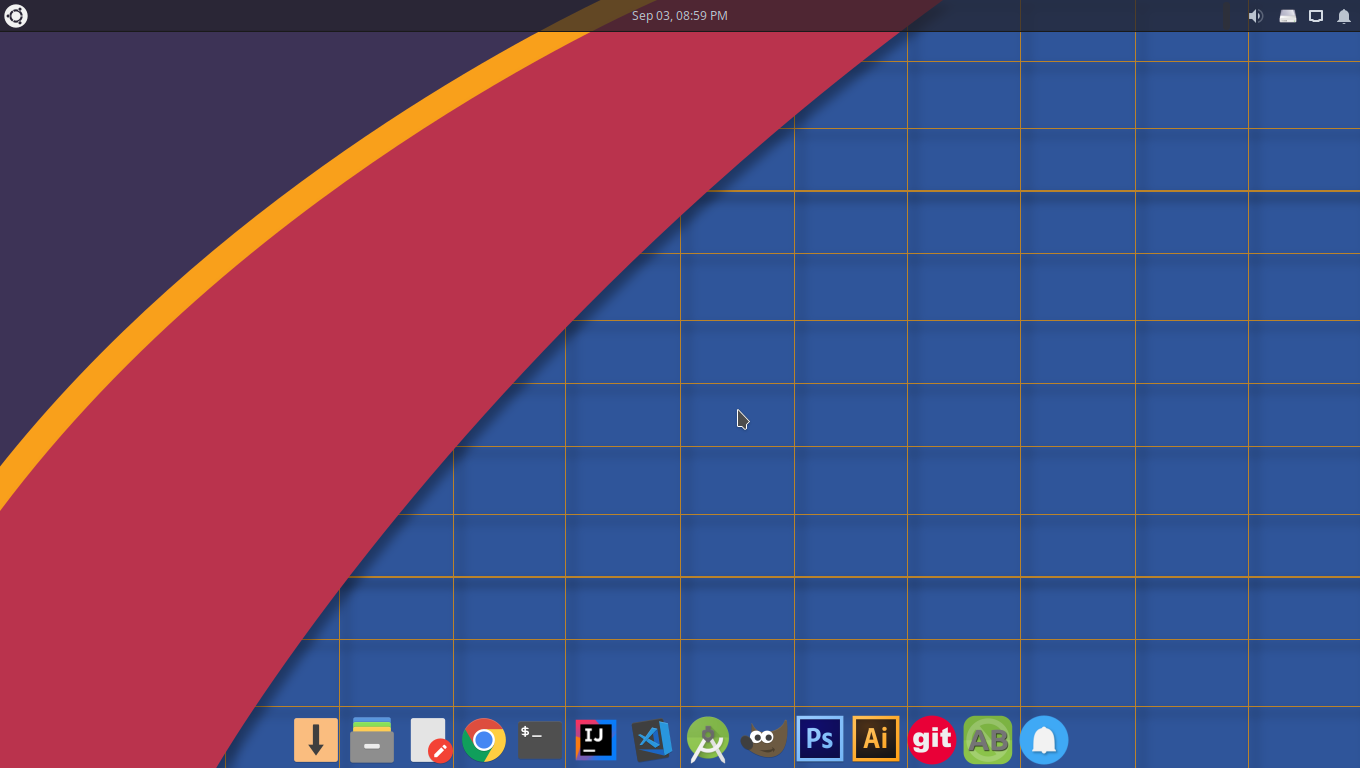
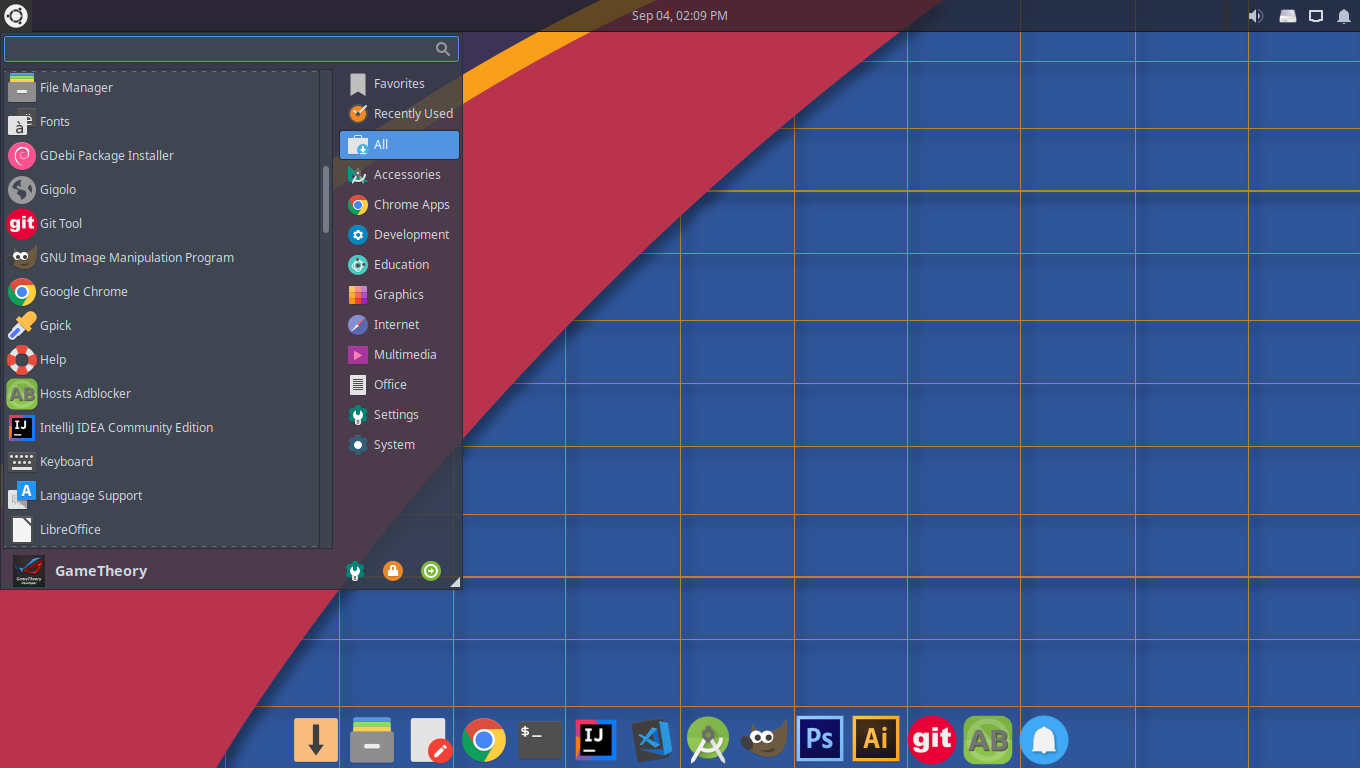
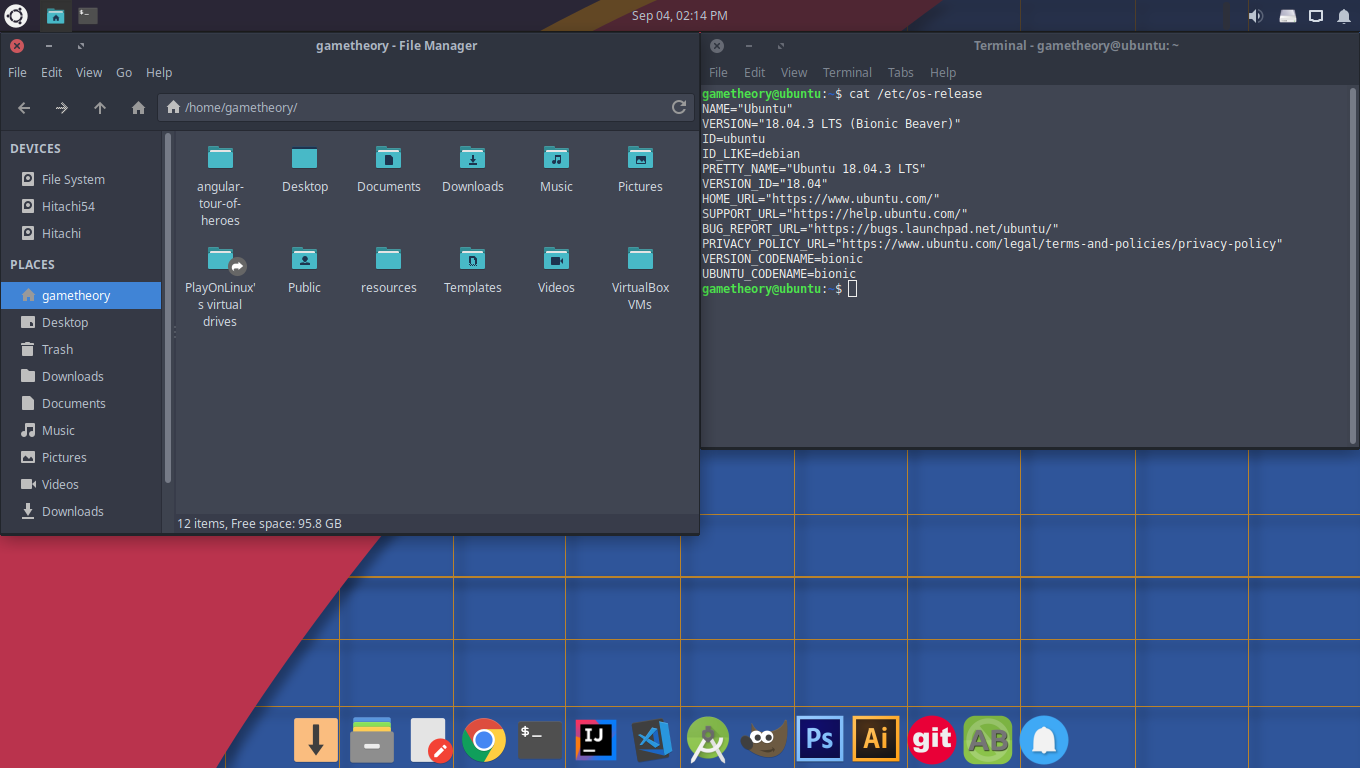
Xfce is a lightweight and powerful desktop environment(DE) that’s been around for a long time. It’s considered one of the most stable and lightest DEs around. Xfce has a traditional layout well suited for users of all types, from the new user coming from Windows to the power user looking to get things done efficiently.
Tags: linux, tutorialsPause and Resume Wget Downloads
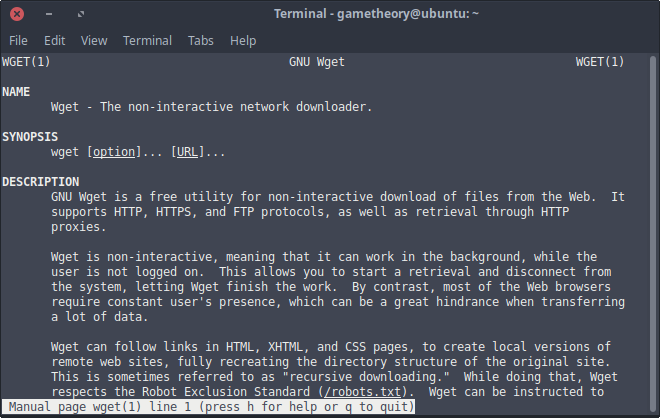
There are many download managers to choose from to manage your downloads, but wget is arguably the best one. Wget is a linux command line utility to manage all types of downloads. Whenever you need to download any files of any size or need to use the ftp protocol, wget is an excellent choice. You can pause and resume wget downloads at any time to your convenience. You can also use wget to get the file download size without actually downloading the file. This can come in handy to compare file sizes before downloading.
Tags: linux, tutorials, command lineInstall Xfce 4.14 on Xubuntu 18.04
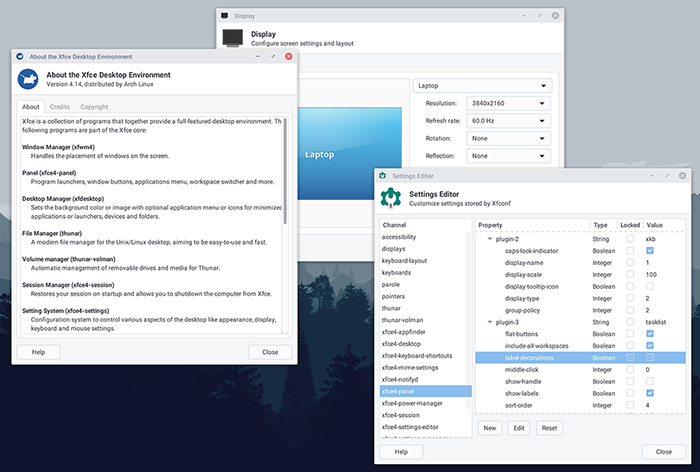
After over 4 years of development, Xfce 4.14 was released on Aug 12, 2019. There were some major changes and improvements to xfce, most notably the switch from GTK2 to GTK3. This was the main reason for the long development period.
Tags: linux, tutorialsUbuntu 18.04.3 Release with Linux Kernel 5.0
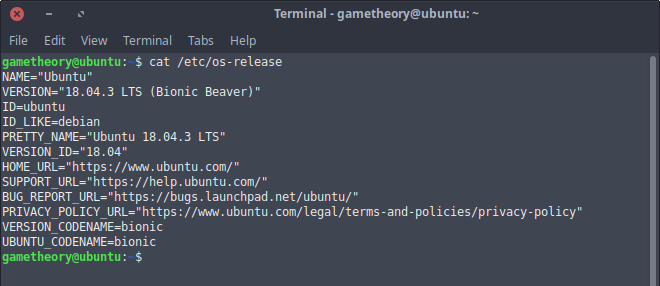
The ubuntu flavours finally get the highly anticipated linux kernel 5.0. This new kernel brings performance improvements, bug fixes, and more hardware support. You also get an updated X.org and graphics drivers. The 18.04.3 point release was released on Aug 8th 2019.
Tags: linux, tutorialsAdmob Tutorial
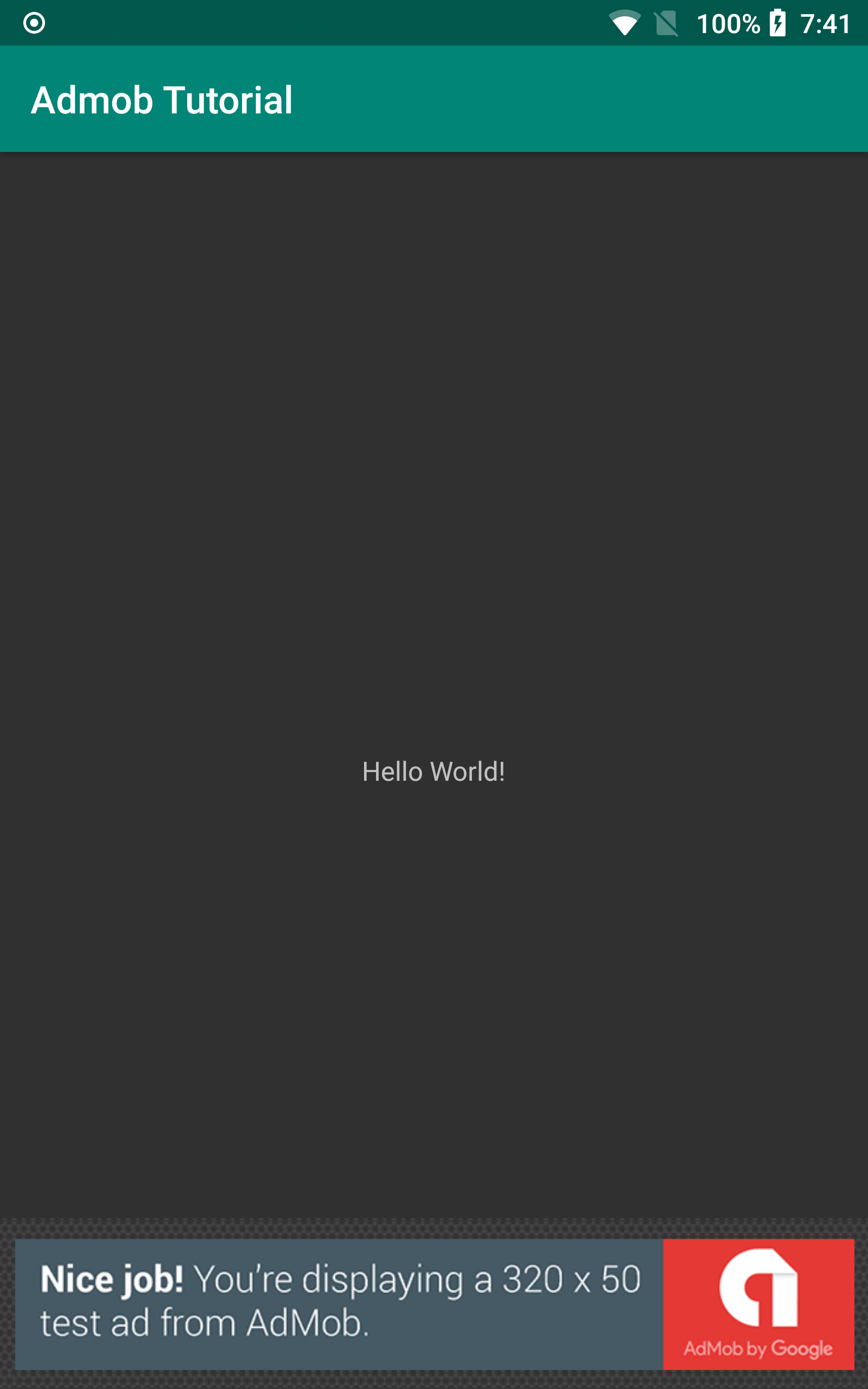
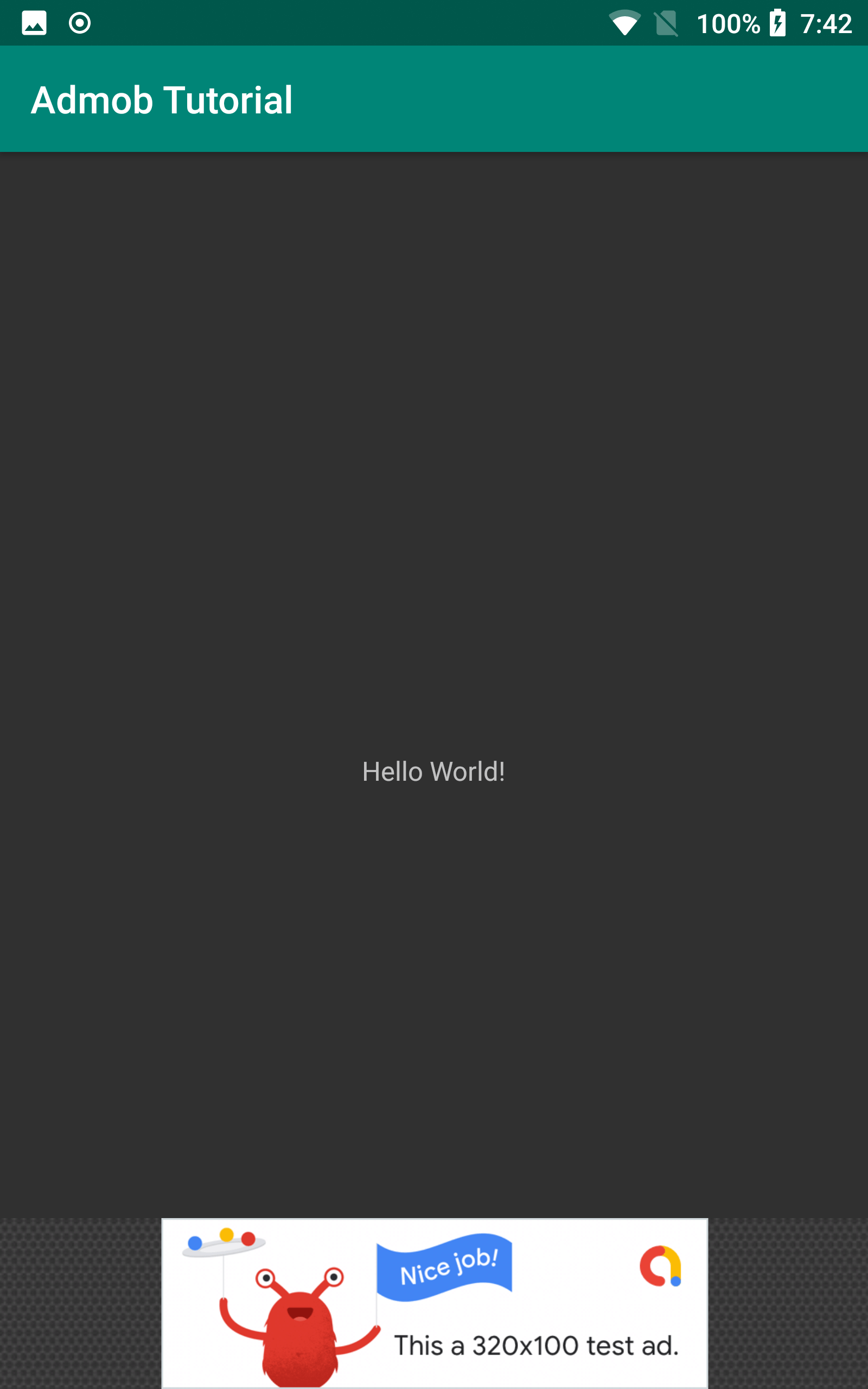
In this Android Admob tutorial we will go over how to add admob to your android app. With admob you can monetize your app and make some income for your efforts. There are a few types of admob ad units that you can add to your app. For this admob tutorial we will be adding the Anchored Adaptive Banner which can display high performance adaptive banner ads for all devices and screen sizes.
Tags: android studio, app development, java, tutorials, androidAndroid WebView
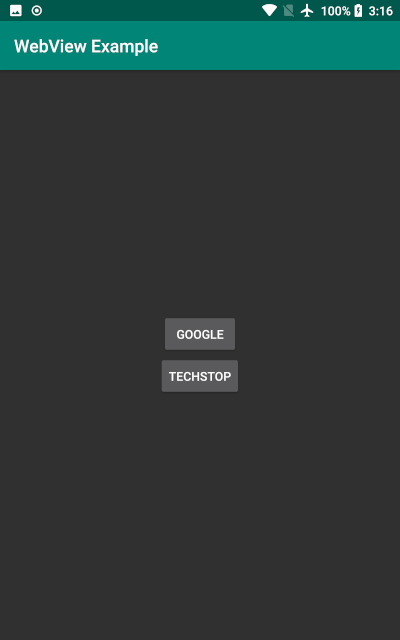
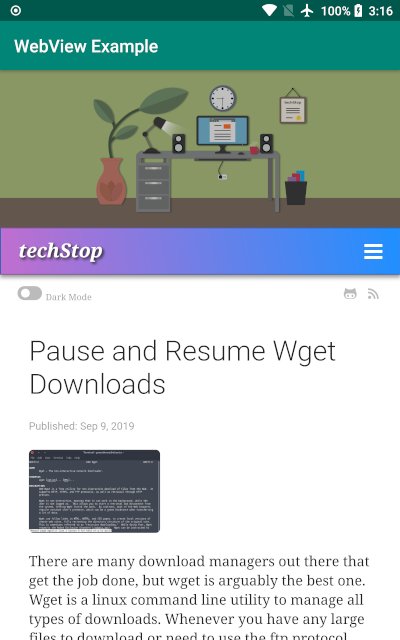
The Android WebView allows your app to open web pages within your app. For this Android WebView example we will create an android webview app that loads a couple web pages. We will be adding some attributes like JavaScript to interact with page elements and a DownloadListener for downloading items from download links on web pages as well as a ProgressBar to show page loading progress. We will also request runtime storage write permissions for our DownloadListener for android 6+.
Tags: android studio, app development, java, tutorials, androidAndroid Toolbar
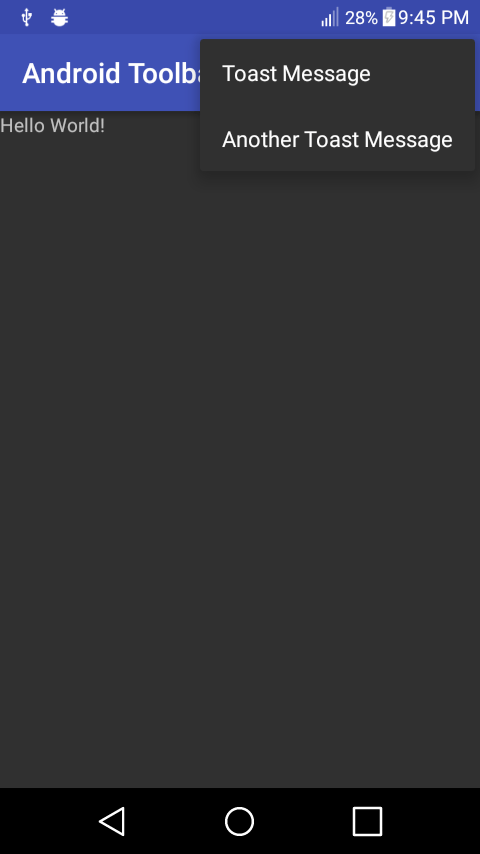
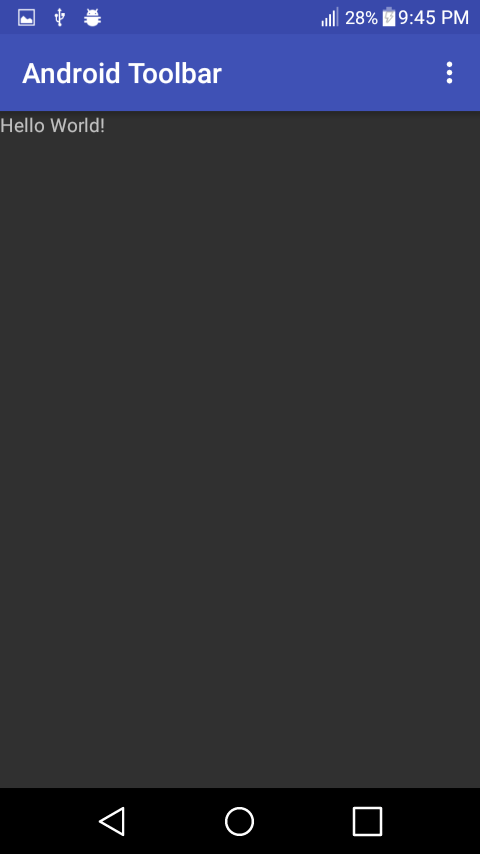
Often times users are looking to create an Android Toolbar so they can customize it to their liking. In this tutorial we’ll go over how to create an Android custom Toolbar and show you a few modifications you can do to the Toolbar for your app.
Tags: android studio, app development, java, tutorials, androidAndroid BroadcastReceiver
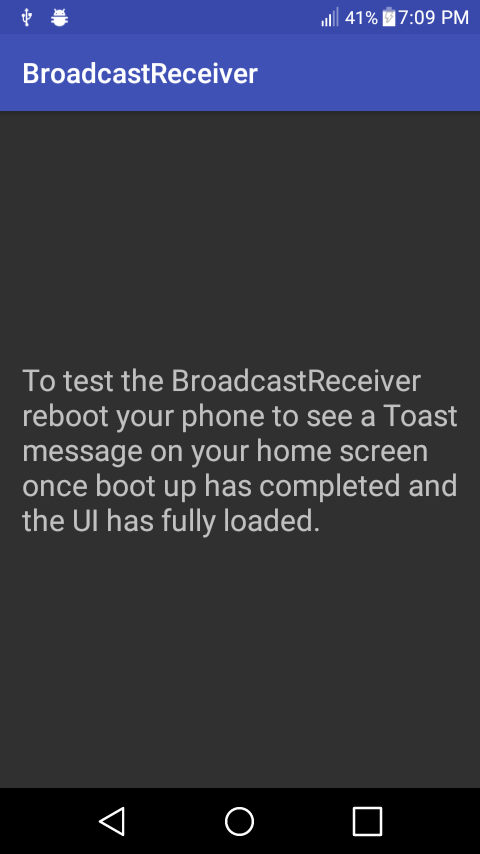
Today we will be using an android BroadcastReceiver and WorkManager to run code on bootup in Android. There can be many reasons to run code on bootup. One good use case would be to set settings that a user has selected within your app on every bootup.
Tags: android studio, app development, java, tutorials, androidFreedom Kernel for the Zmax Pro
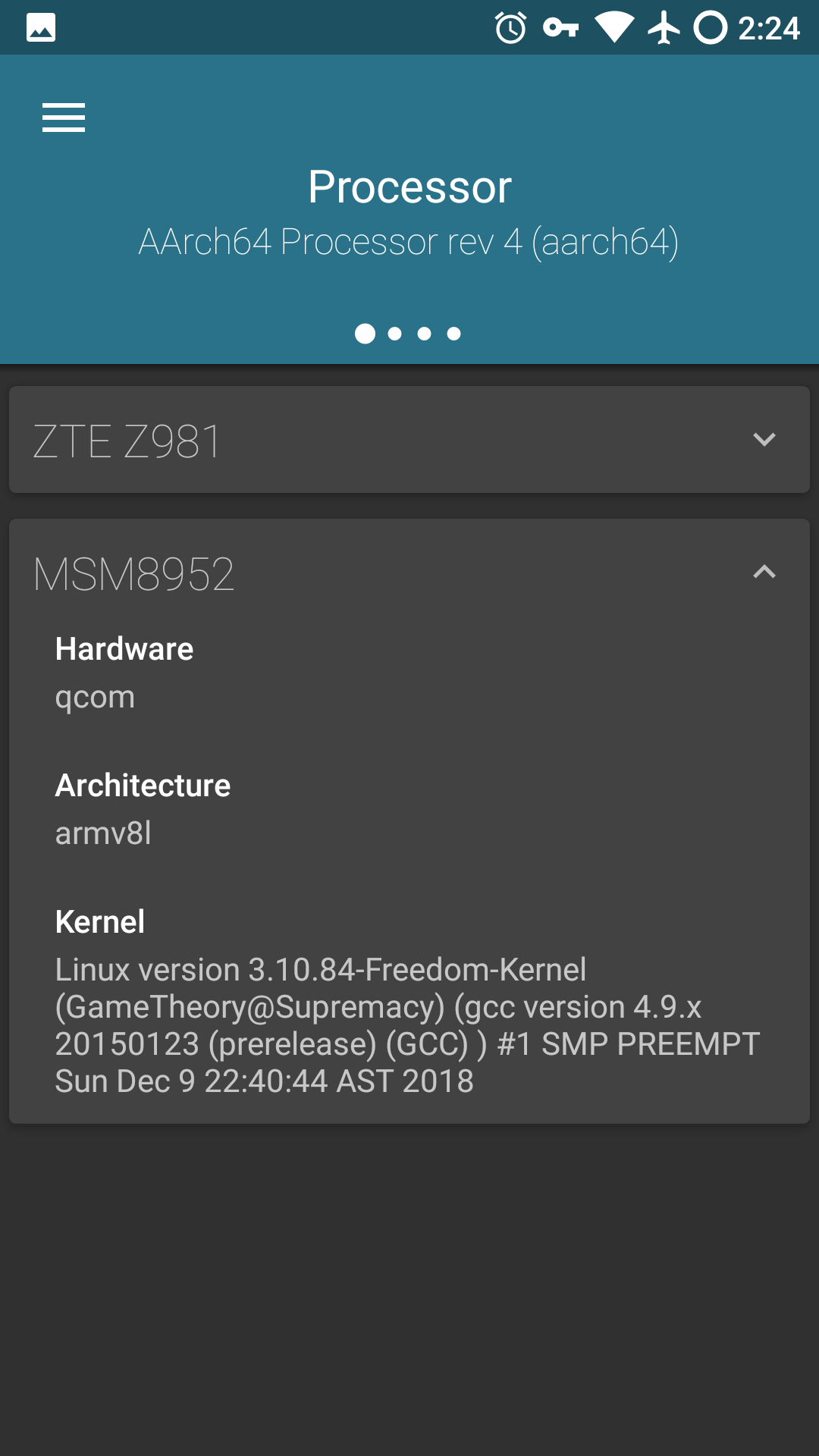
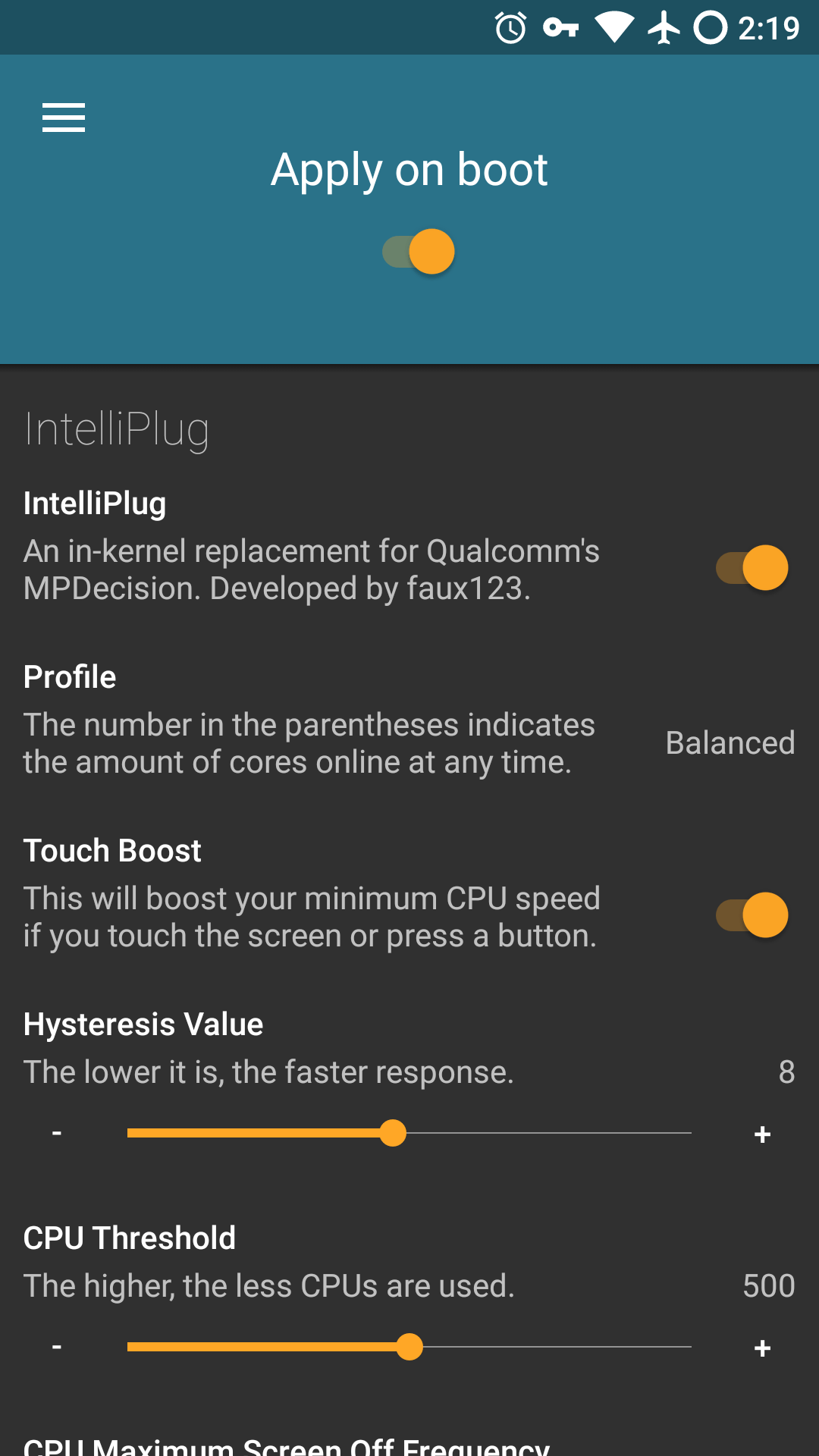
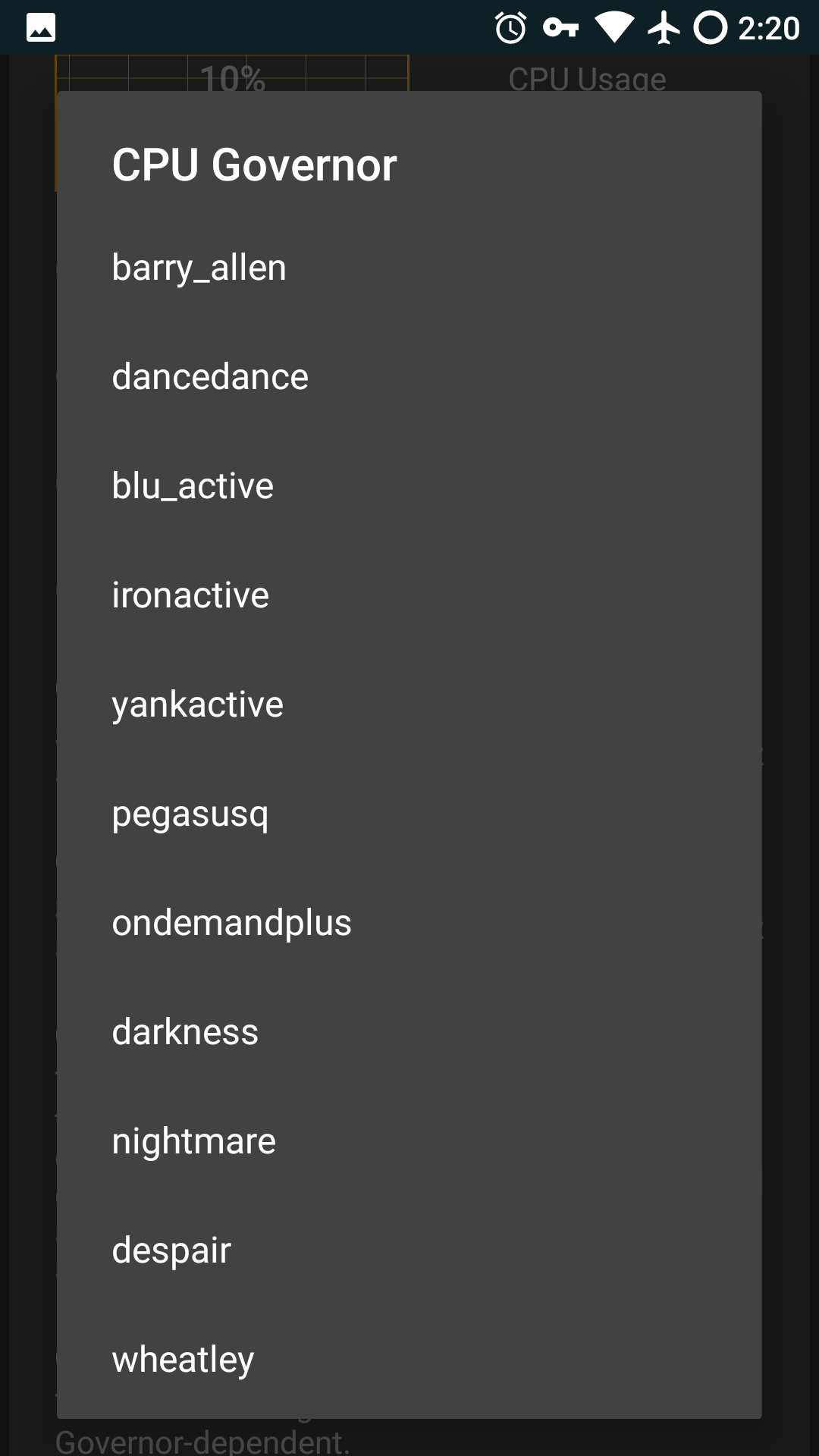
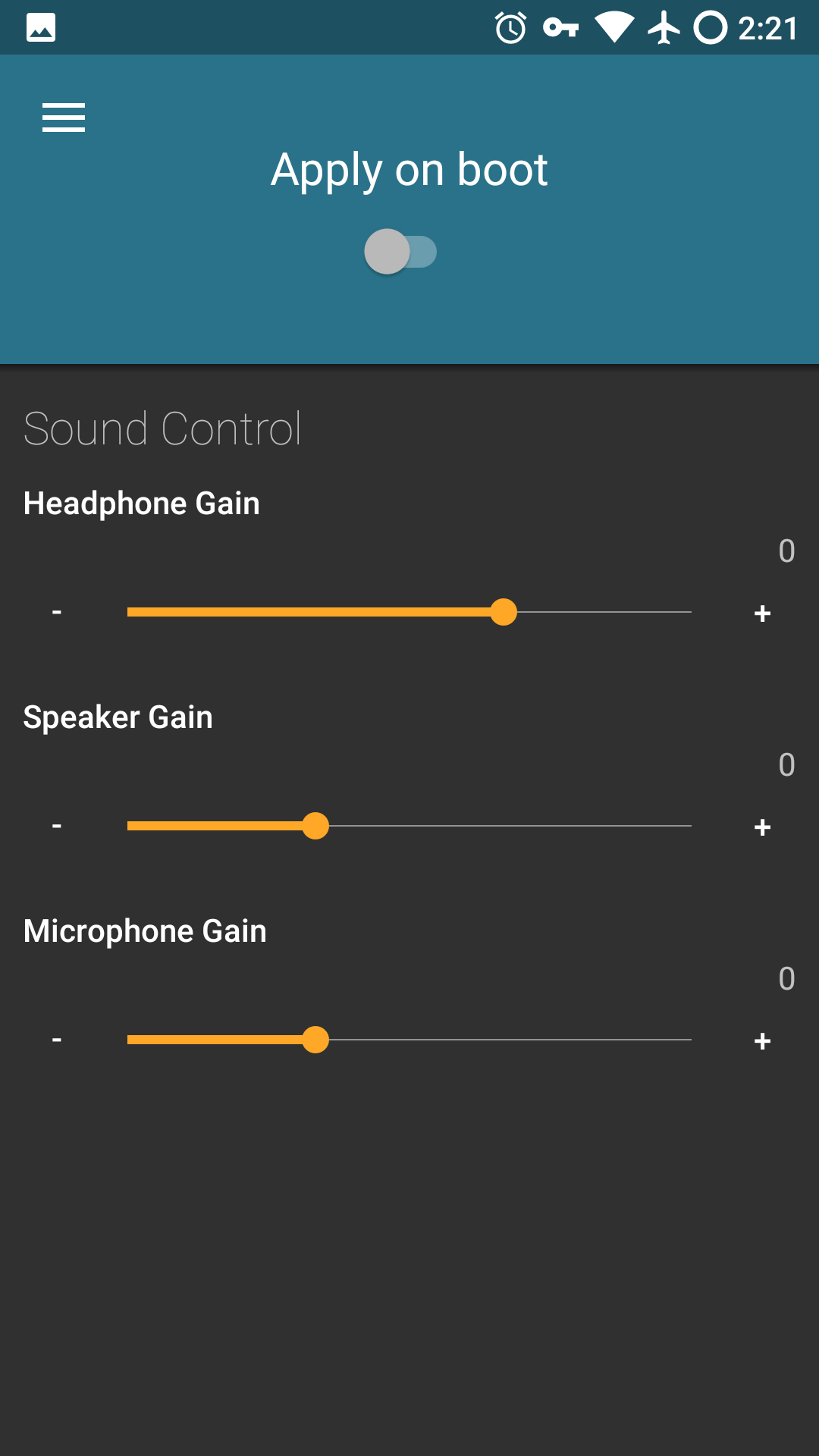
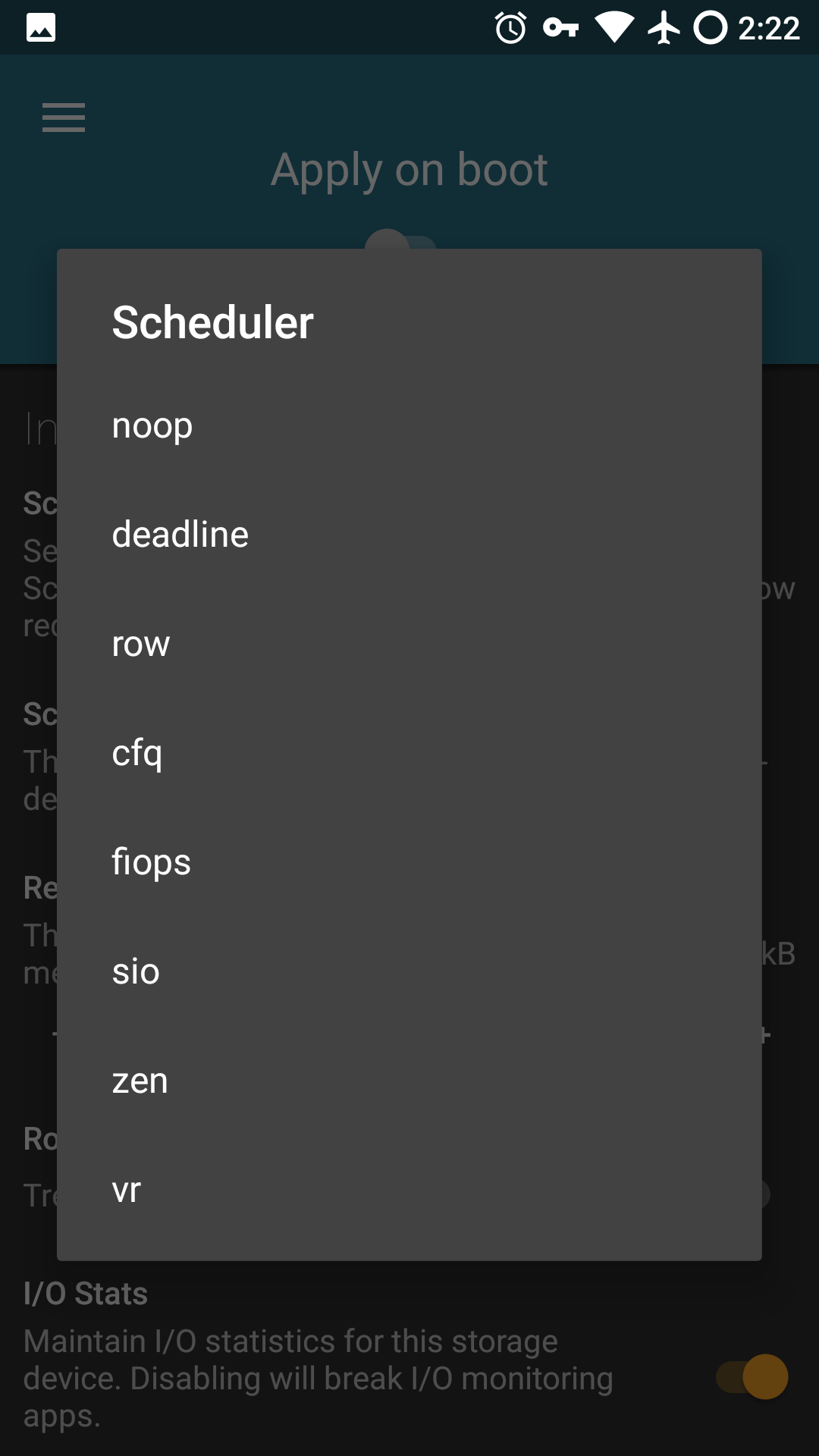
The Freedom Kernel for the Zmax Pro Z981 is a custom kernel with many enhancements. This kernel provides various custom tweaks and performance improvements over the stock offering to give you more control over your Android device’s performance.
Tags: android, z981