How To Reduce Apk Size

How to reduce apk size? A question often asked by new app developers when trying to figure out how to best optimize their app. As an app developer you should always optimize your app wherever you can to give your user base the best possible experience with your app. By well optimizing your app you’ll give your users a smooth experience throughout your apps’ UI along with a smaller foot print.
Tags: android studio, app development, tutorials, androidHow To Get Android Mounts and Partition Images
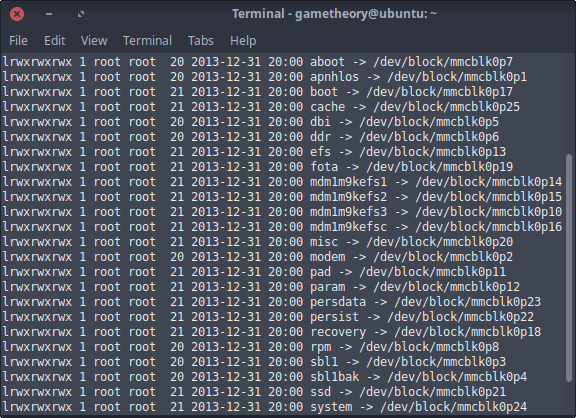
In this guide I will be showing you how to get the android mounts and partition images. There could be many reasons for needing the android mounts and partition images. A couple reasons that come to mind could be to make backups of your partitions in case you need to fix your phone from a bad flash later on. Or you might want to customize a boot.img or system.img to add in some custom features. Whatever your reason, just follow the guide and you’ll be pulling those partitions in no time.
Tags: android, tutorials, linuxArc Dark Theme For Gedit
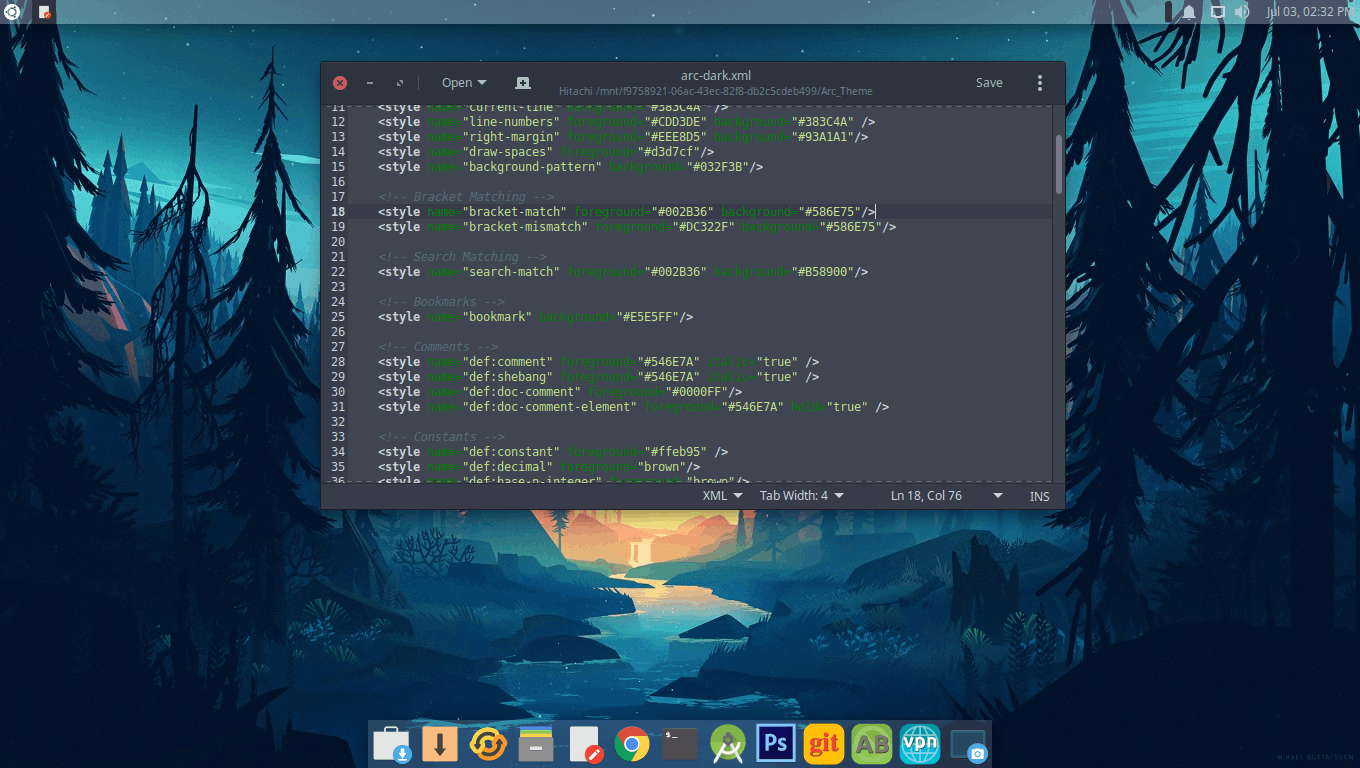
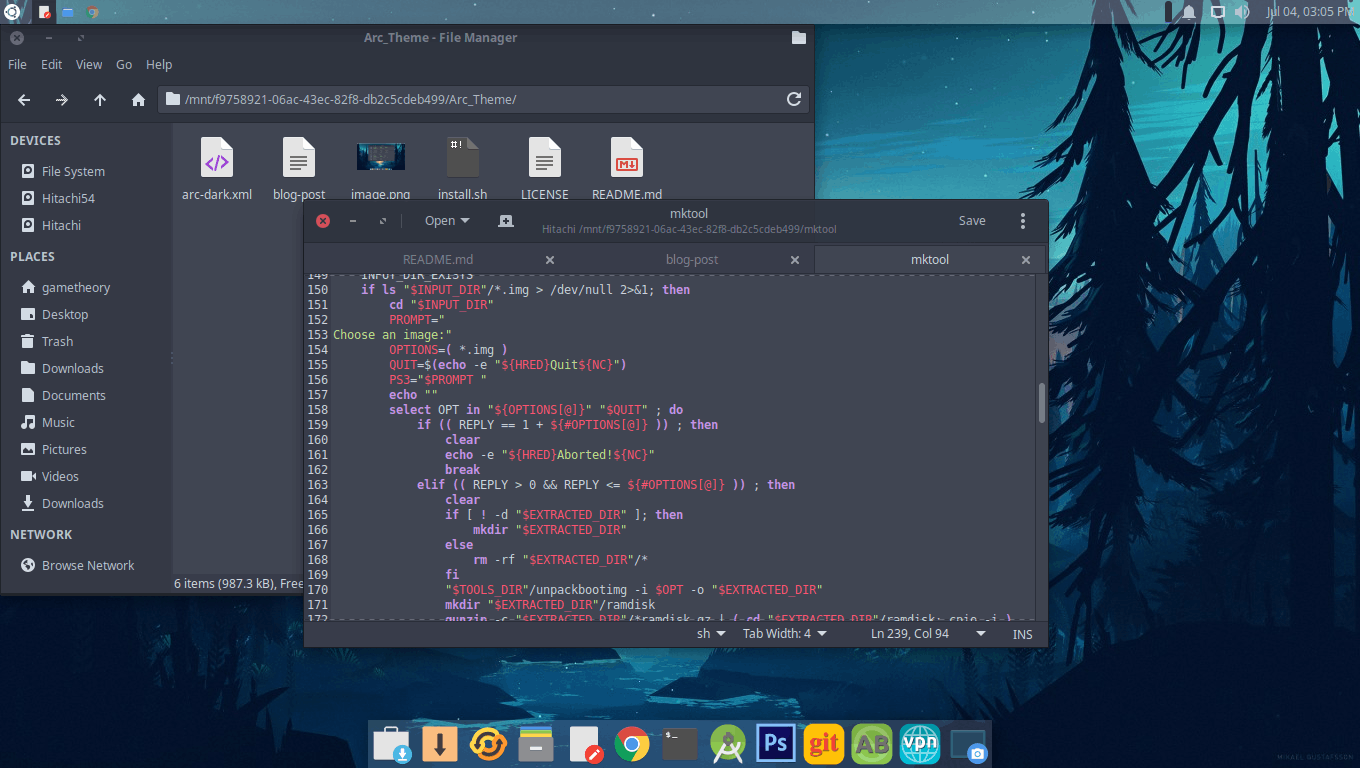
If you like the dark version of the Arc Theme for your desktop environment and would like the theme for your text editor, then look no further. Here I have the Arc Dark Theme for Gedit. The arc dark theme will work with gedit and pluma or most other text editors that support themes. The download link can be found below with simple installation instructions.
Tags: linux, tutorialsApk Utility
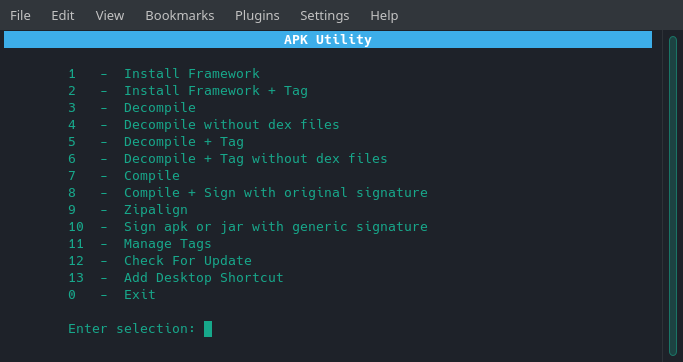
If you’ve been looking for an easy to use tool for decompiling and compiling android apk and jar files then look no further. Apk Utility is as easy to use as it gets. The utility also has the ability to tag your framework files. This feature is very useful when you need to install framework files for multiple different devices without having to remove one for the other. Basically a tag is a label to distinguish between multiple devices’ framework files. If you’re familiar with apktool which this tool uses then you’ll know what I’m referring to.
Tags: android, linux, decompile apk, apktoolOpen File as Root
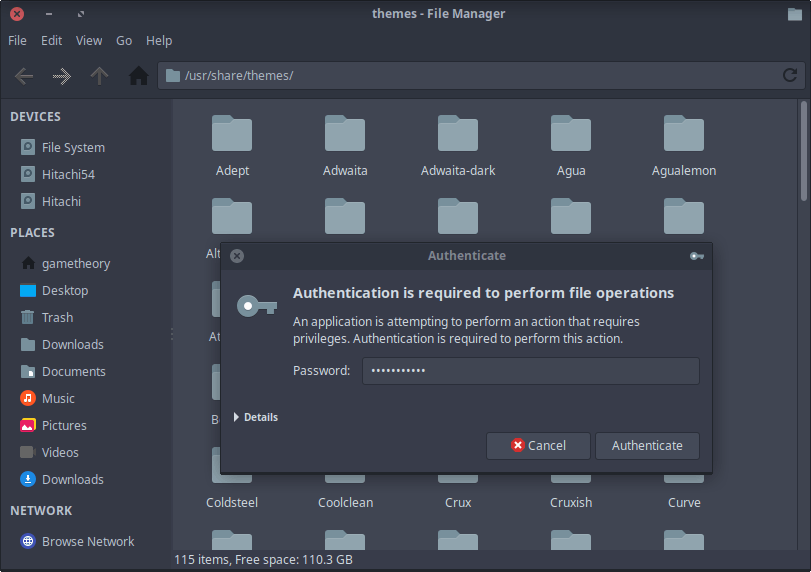
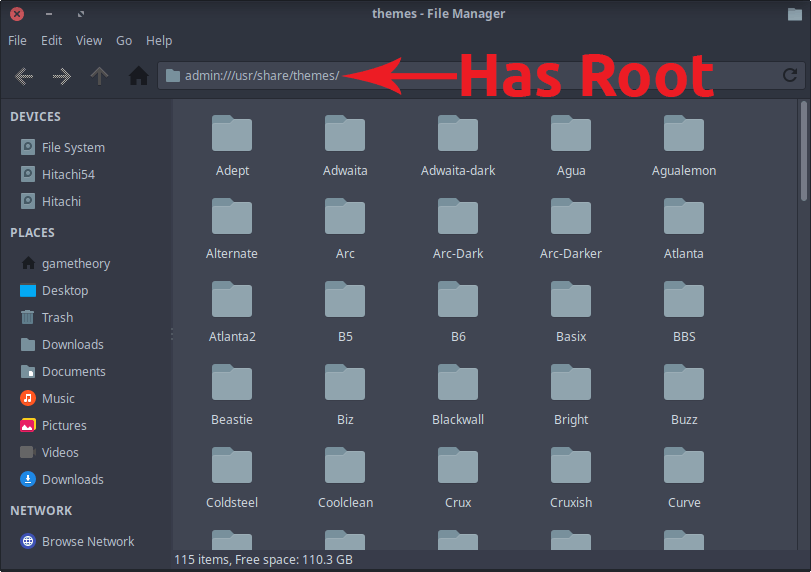
If you need to open a file as root in linux you should never use sudo. Sudo can cause files and folders in your home directory to be owned by root. The key is to open graphical applications with root privileges while maintaining user ownership. The proper way was to use gksu or gksudo which are the graphical variants of sudo. These prevented files and folders from being owned by root. Unfortunately gksu and gksudo are no longer available for most linux distributions.
Tags: linux, tutorials, command lineInstall ADB On Linux
In this tutorial we will be installing ADB (Android Debug Bridge) on your linux computer and making it accessible from any directory.
ADB provides a terminal interface on your linux computer to interact with your android device file system. This can be useful for many things like installing and uninstalling apps, disabling and enabling apps , logcat, and many other things.
Tags: linux, android, tutorialsmktool
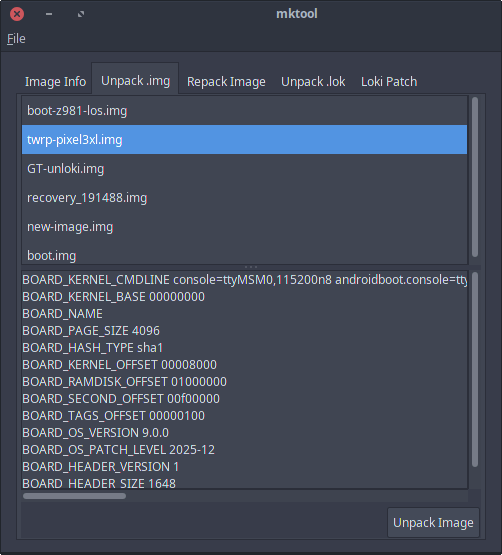
Mktool is a utility to unpack and repack a boot.img and recovery.img file. Mktool provides a simple point and click GUI to make unpacking boot and recovery images easy. If you need to unpack and repack a boot.img, recovery.img, or loki image, then this is the tool for you. With mktool you don’t need to enter any commands. You simply place your image files in the input folder and choose from the menu options. It’s the perfect tool for modifying images quickly and easily. Mktool is very simple to use and can accommodate both beginners and advanced users.
Tags: android, linux, unpack boot.imgDebloat Android No Root
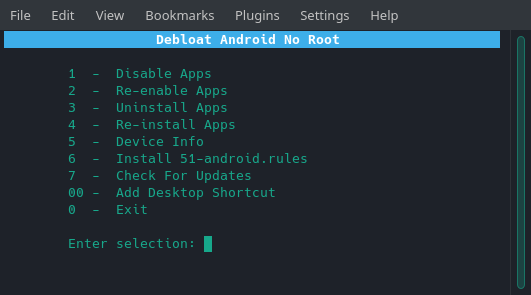
If you’ve ever had a rooted android device you know the added benefit. You gain total control over you’re device. The freedom to remove carrier bloatware or make a number of modifications to your hearts content. Unfortunately if you’re here reading this, it’s likely because there is no root for your device or you simply don’t wish to root it. We all know that for non rooted devices your options are very limited. So we will be taking a look at a tool I made called Debloat Android No Root to give you some control back over your device.
Tags: android, linuxMKV to MP4
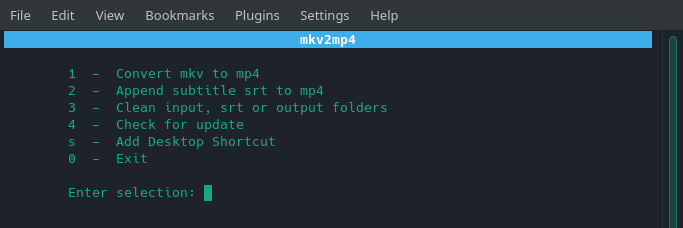
I’ve created a simple bash script to convert mkv to mp4 container quickly. The script will allow you to batch convert multiple mkv files or convert one at a time depending on your needs. You can also append a subtitle srt file to your mp4 files with this tool.
Tags: linuxReboot Utility
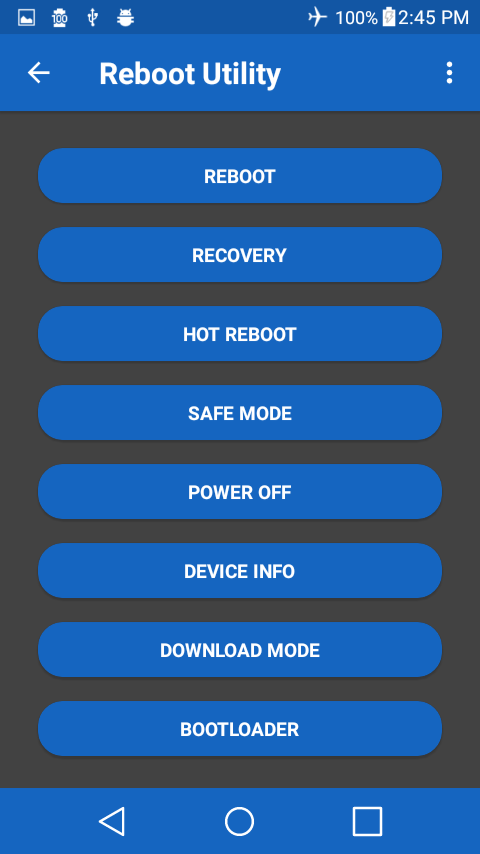
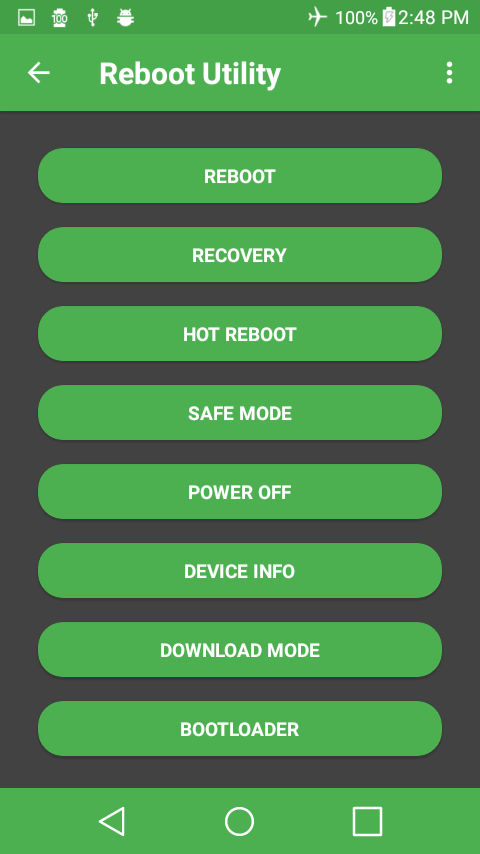
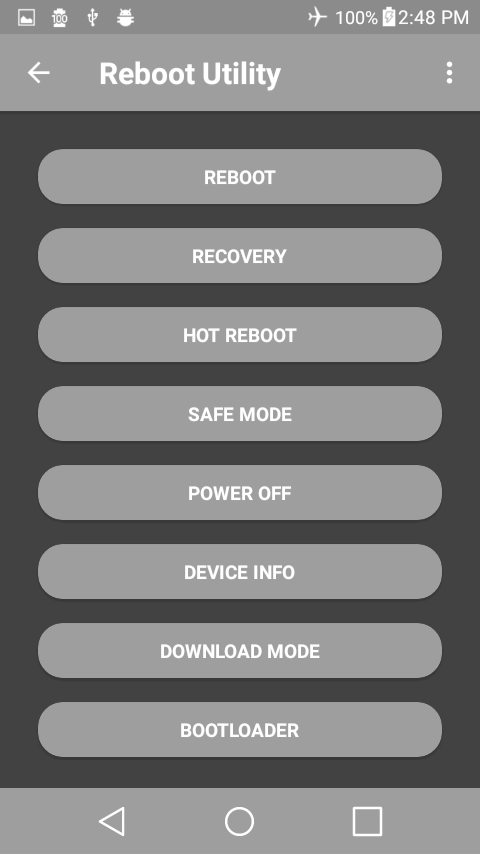
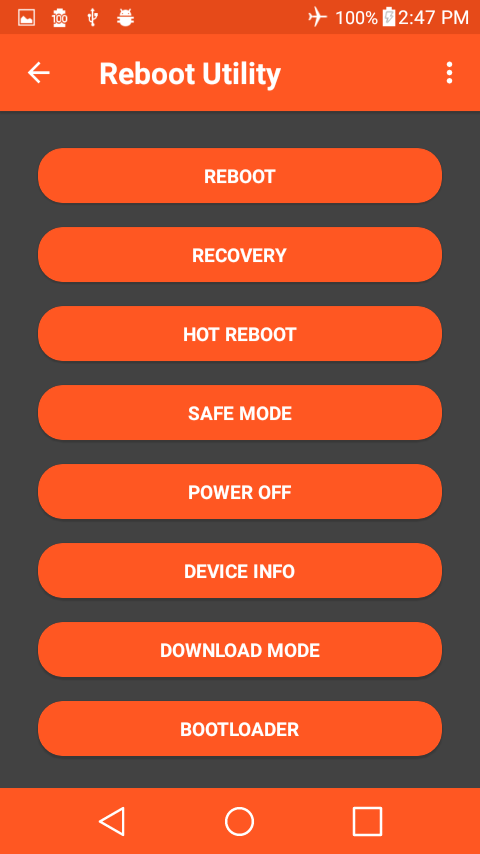
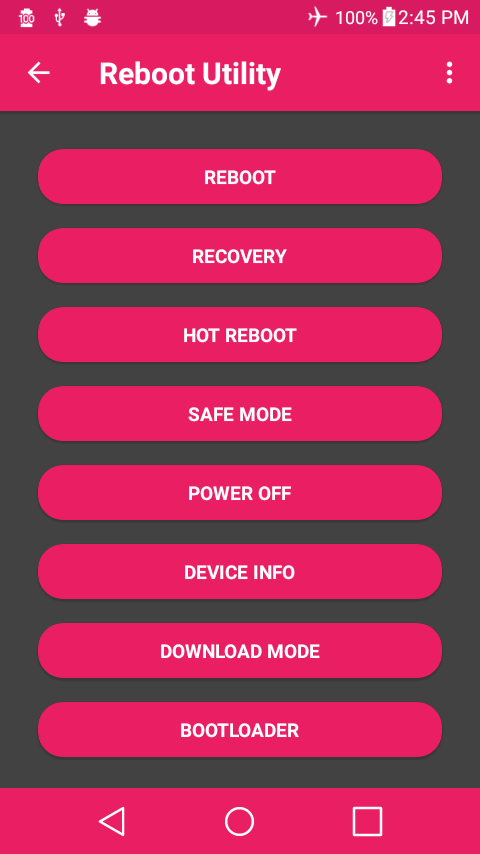
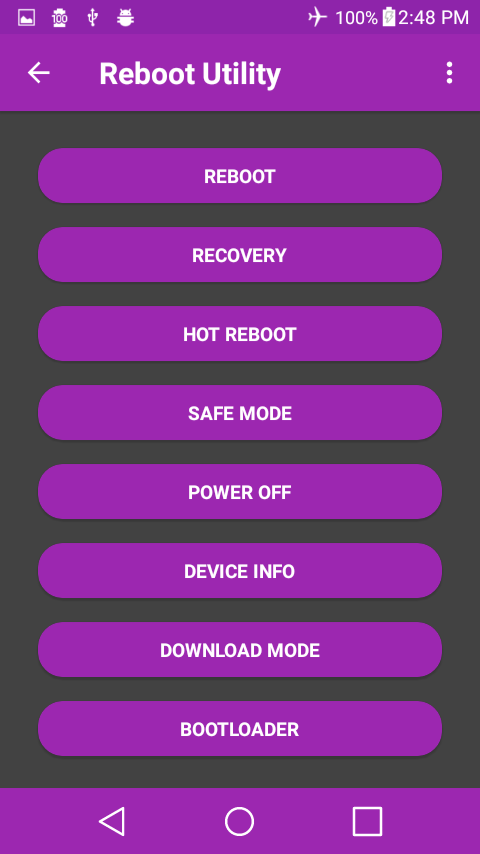
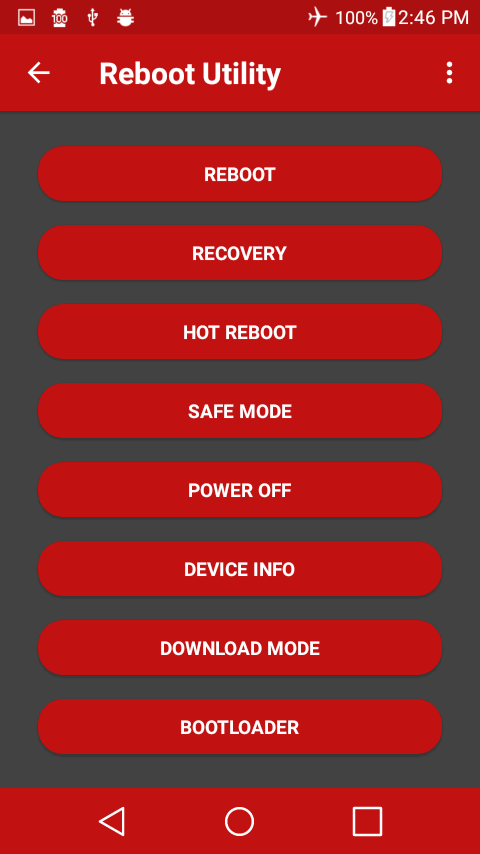
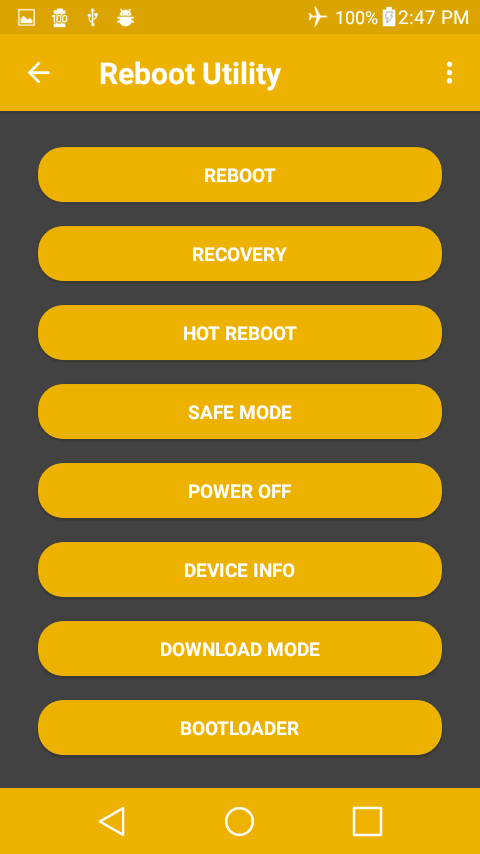
Reboot Utility is a powerful app to manage all your rebooting options. It is also a great looking app with 9 themes and 4 backgrounds to choose from.
Tags: android, apps