Linux watch Command
In this tutorial we will be looking at the linux watch command. watch comes pre-installed on most linux distributions. The watch command is an excellent tool if you need to run any commands repeatedly at set intervals.
Tags: tutorials, linux, command lineAndroid App Multi Theme
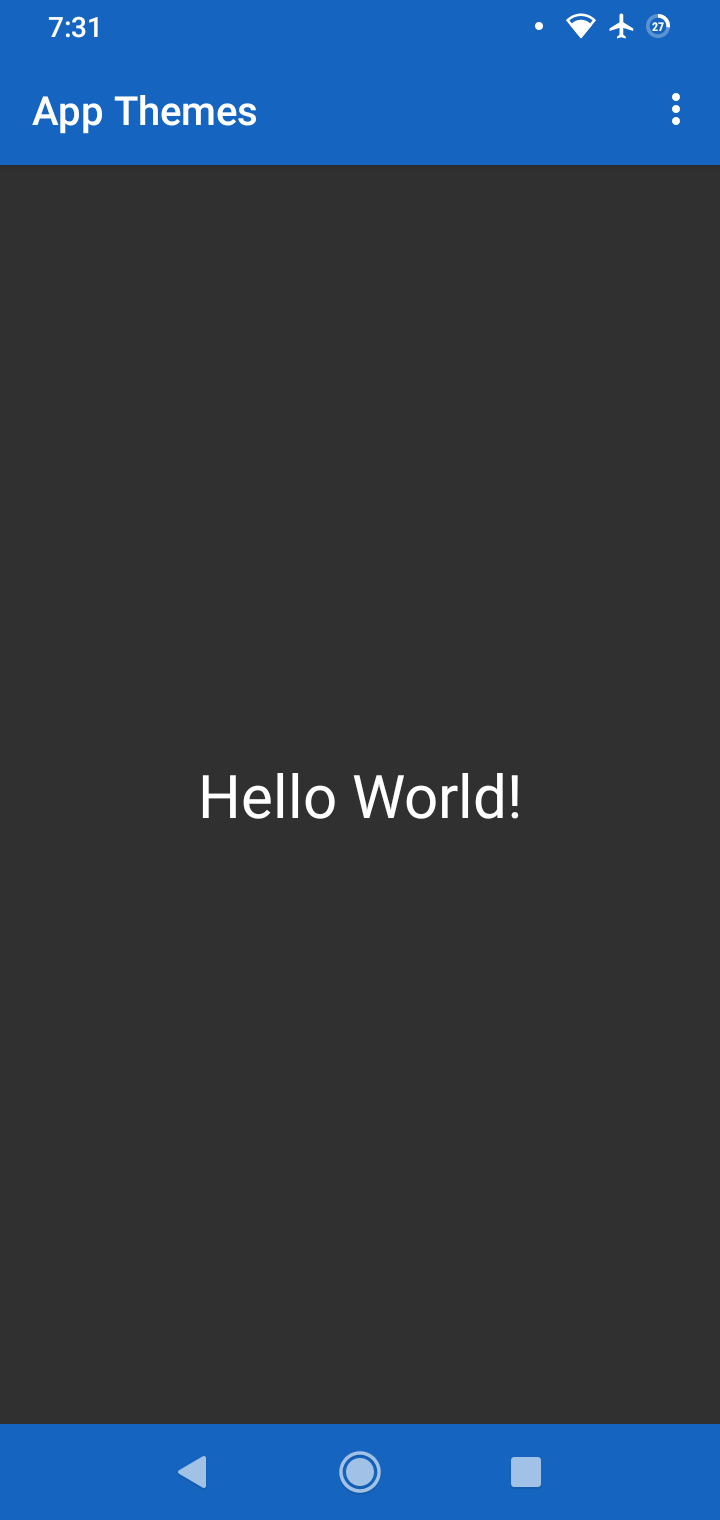
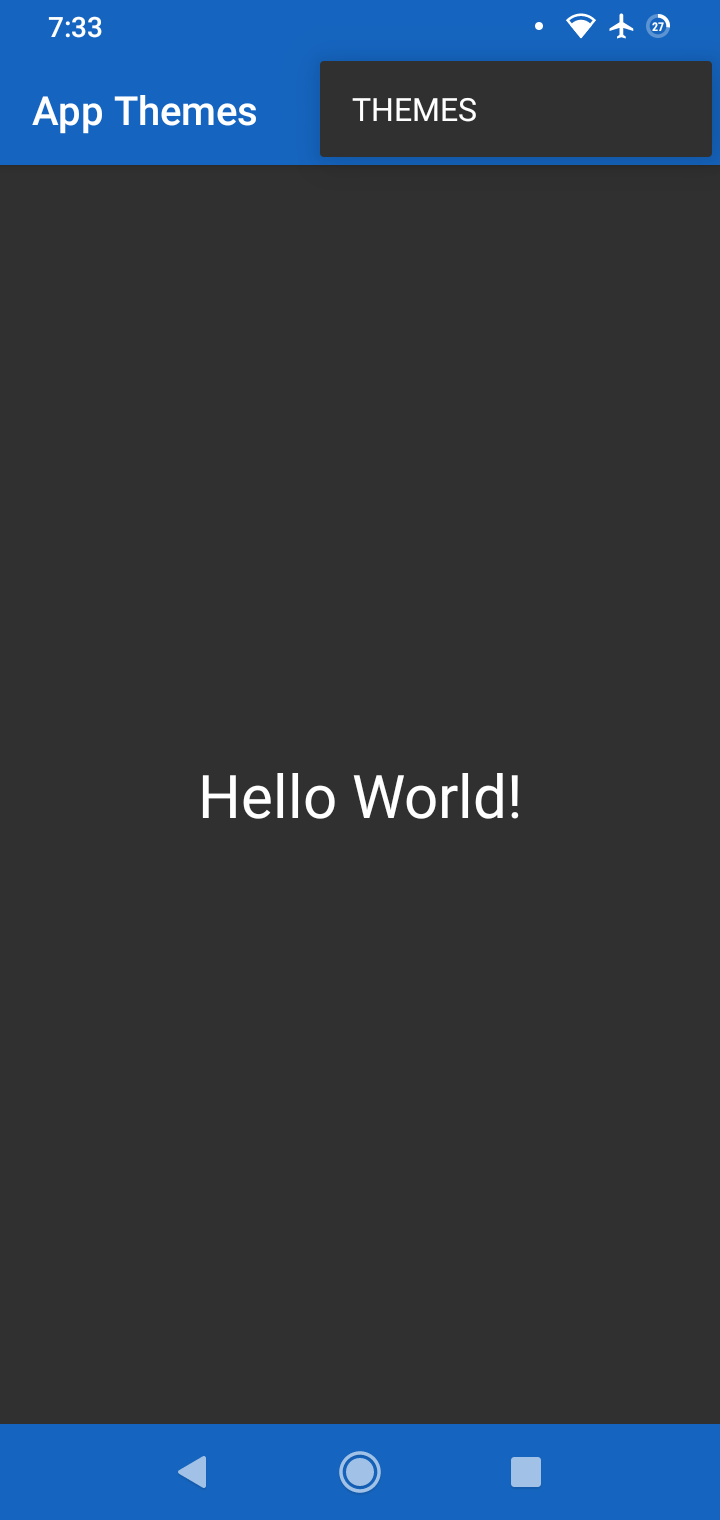
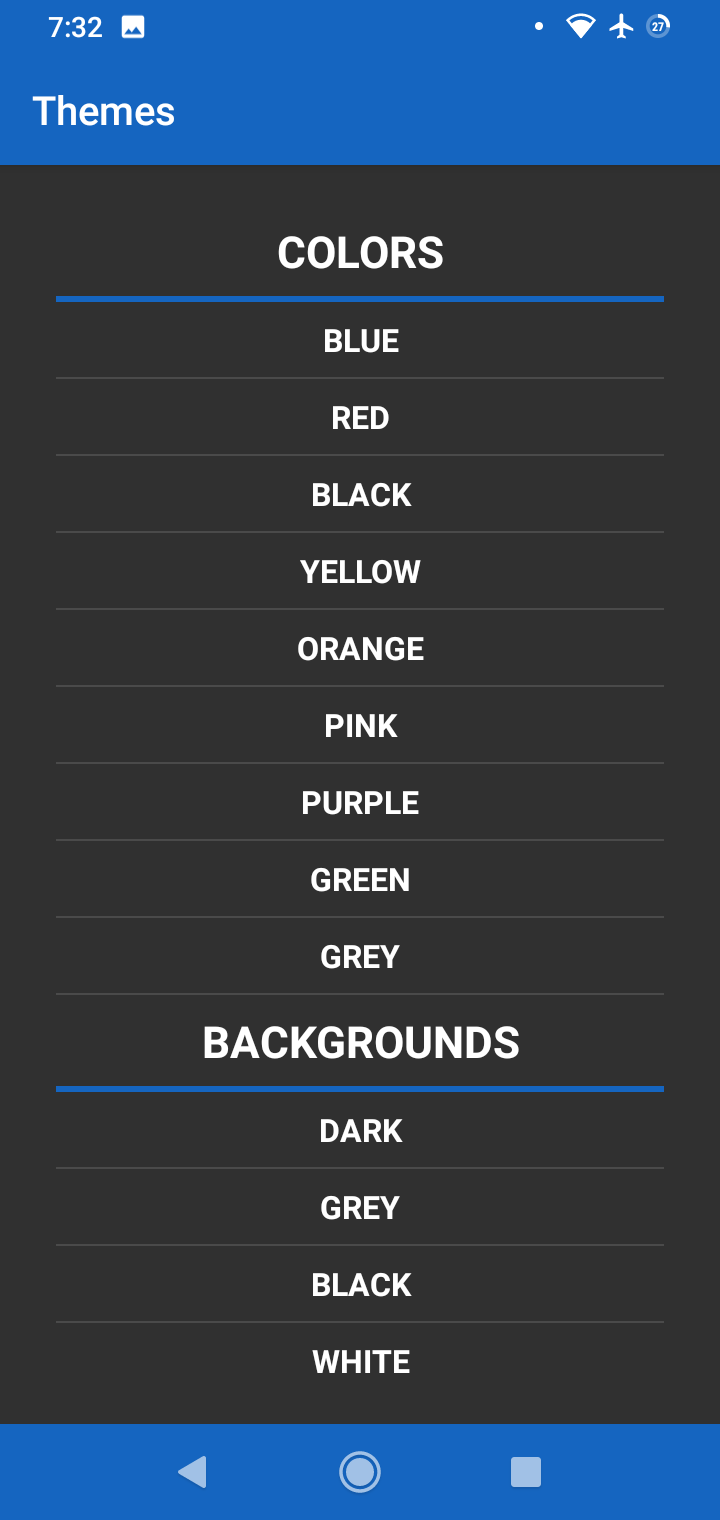
If you would like to add some flare to your android app by adding multi theme support, then you’ve come to the right place. Adding multi theme support to your android app can be very beneficial. For starters, your users will never get bored of just having a single color and this also provides a better user experience and can increase app installations. This can be the difference between users installing your app or the competition’s app.
Tags: android studio, app development, java, tutorials, androidPlay Store Data Safety
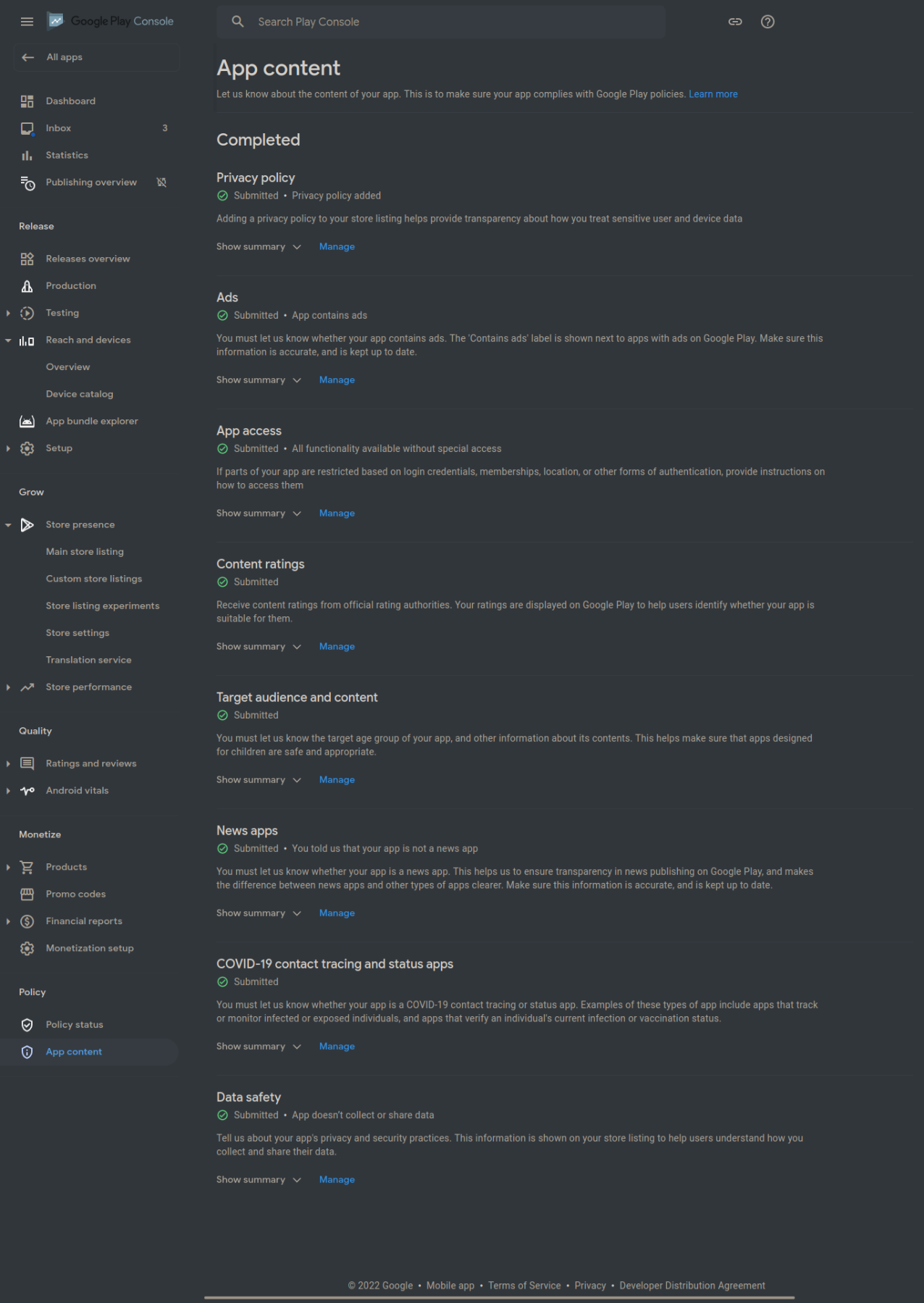
Back in May Google announced the new Play Store Data Safety section. This new section is to give users more insight into how apps collect, share, and protect user data. Google detailed what information developers would have to disclose in the data safety section and included a new form in the Google Play Console for developers to disclose the required information. Originally, it was required to have the form filled out by April 2022, but Google has changed the date to July 2022 to allow developers more time to comply with the new data safety changes.
Tags: android, appsGet CPU and GPU Temps in Linux
To get CPU and GPU temps in linux you need to install and configure lm-sensors. With lm-sensors you can monitor cpu and gpu temperatures and fan speeds as well as voltages for some systems. Lm-sensors reads the available sensors on your motherboard, cpu, and gpu and displays their output. Once configured, you can use the command line or a GUI to monitor your system’s sensors.
Tags: tutorials, linux, command lineFix Screen Tearing in Xfce
Xubuntu has always been one of my favorite distros, but it has always been plagued by the dreaded screen tearing because of the Xfce desktop environment. Screen tearing is when the GPU is out of sync with the display which causes artifacting and looks like tears between the top and bottom halves of your screen. This can be rather annoying, but luckily there’s easy ways to fix screen tearing in Xfce.
Tags: tutorials, linuxInstall a Global App Menu in Xubuntu 18.04
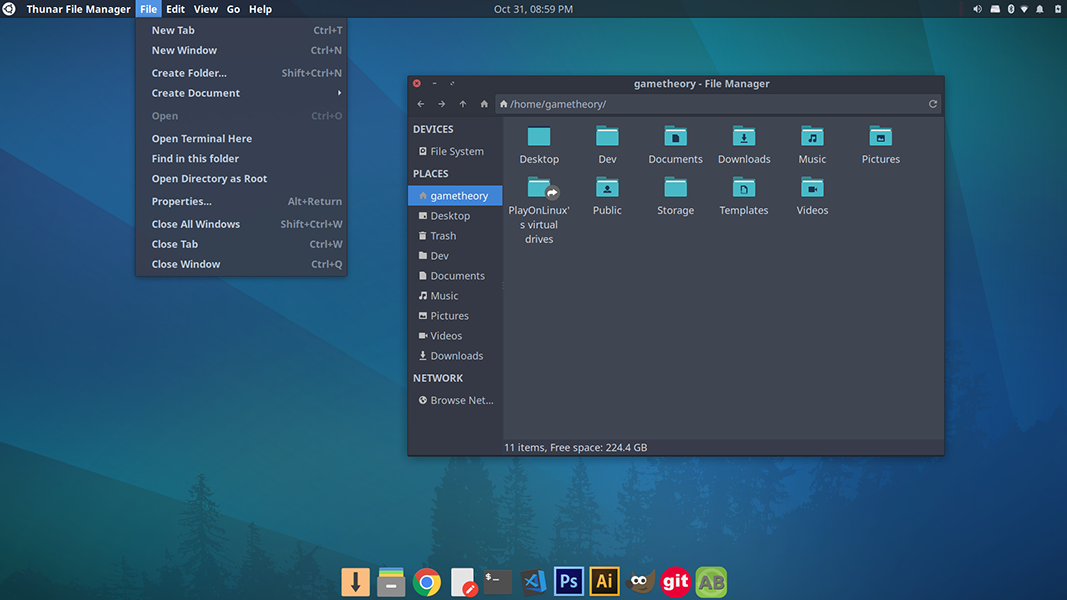
If you ever used ubuntu when it still used the unity desktop, chances are you liked the unity global app menu and would like to have it on Xubuntu 18.04. Hate it or love it, ubuntu did some things really well when it used unity, like the HUD and the Global App Menu. Luckily, we don’t need unity to install a global app menu in Xubuntu 18.04.
Tags: tutorials, linuxUpgrade Kept Back Packages in Linux
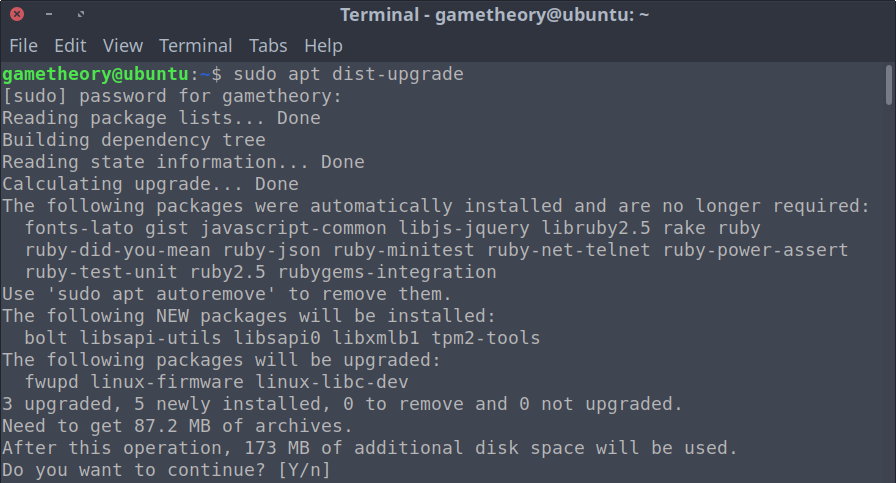
Occasionally when updating your linux system from a terminal, you’ll notice a warning stating “The following packages have been kept back”. This means that when updating, those packages will not be upgraded. Today we’ll look at how to upgrade kept back packages in linux.
Tags: tutorials, linux, command lineRemove Orphaned Packages in Linux
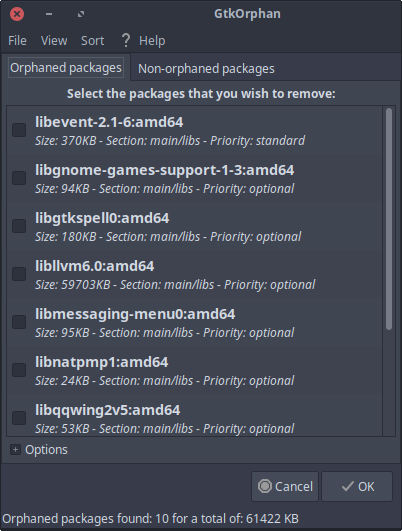
There are a couple of tools to remove orphaned packages in linux. Packages in linux systems depend on other packages or libraries in order to work properly. In some cases you will already have some or all the dependencies installed from them being installed by other packages.
Tags: tutorials, linux, command lineBash Aliases
If you’re not familiar with bash aliases I highly recommend you read on. Bash aliases are fantastic for saving time and not having to remember commands or groups of commands.
A bash alias is just a shortcut that you can set to be a word or even a single letter.
Tags: tutorials, linux, command lineClear or Reset Terminal
Whenever you’re using the terminal extensively you may find your terminal cluttered with commands and output. This can be rather annoying and even confusing at times with the bash prompt at the bottom of your terminal screen. The solution to this is to clear or reset terminal.
Tags: tutorials, linux, command line